Choose the Jellyfin serverChoisir le serveur Jellyfin
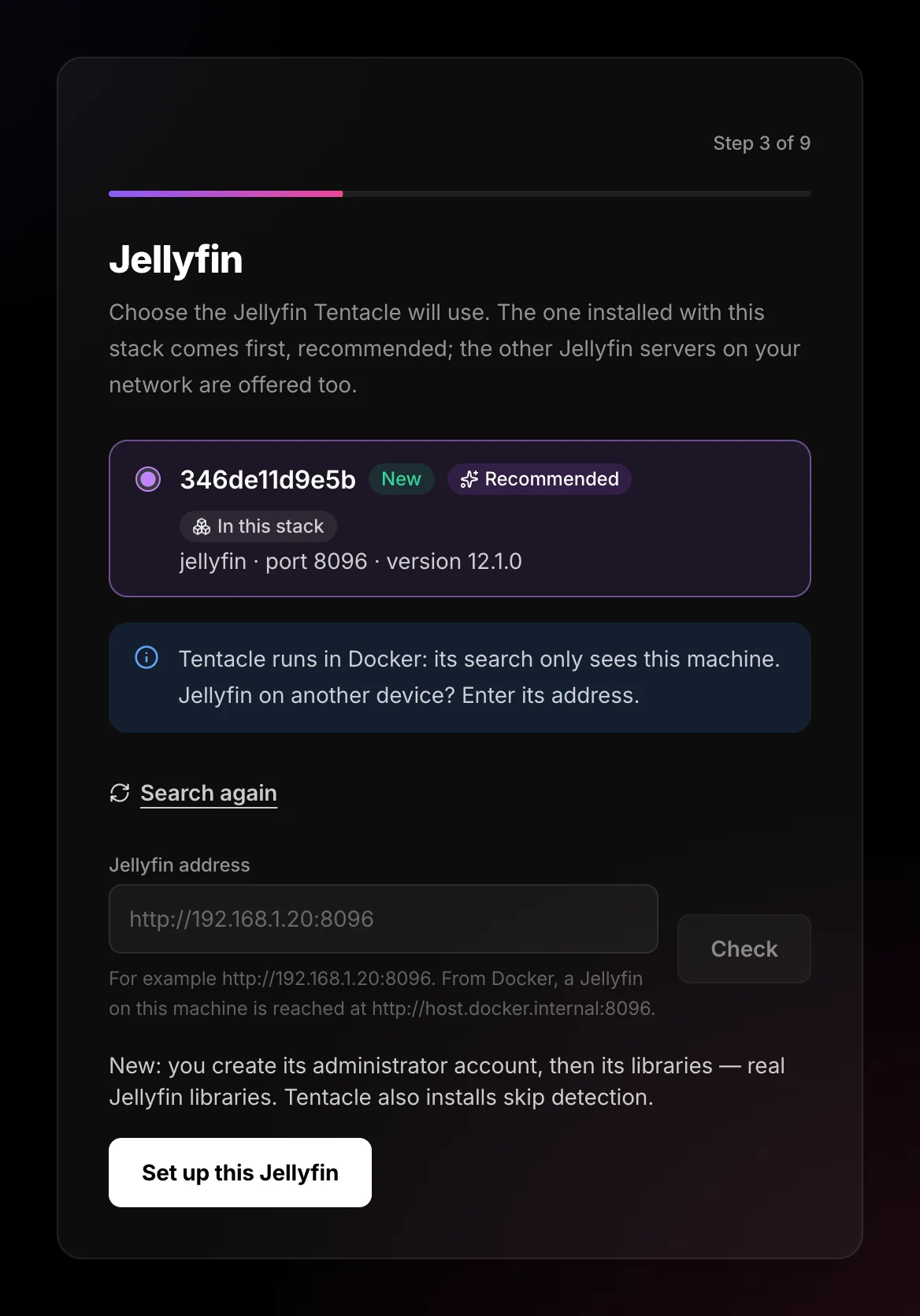
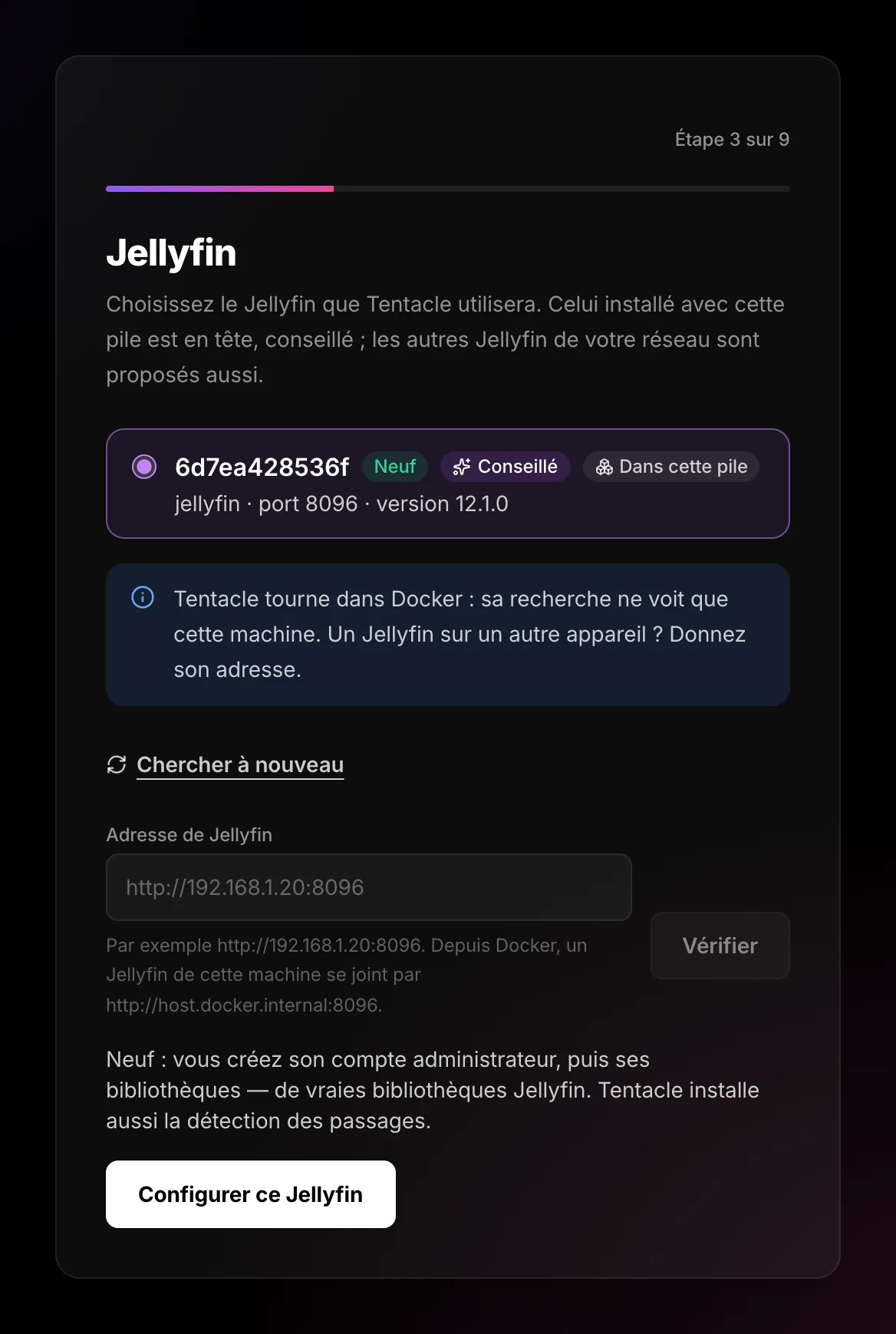
Tentacle lists every Jellyfin it finds. Tick the one to use: a new Jellyfin is set up for you; one already set up is left as it is.Tentacle liste tous les Jellyfin qu’il trouve. Cochez celui à utiliser : un Jellyfin neuf est configuré pour vous ; un Jellyfin déjà configuré est laissé tel quel.
The list of Jellyfin serversLa liste des serveurs Jellyfin
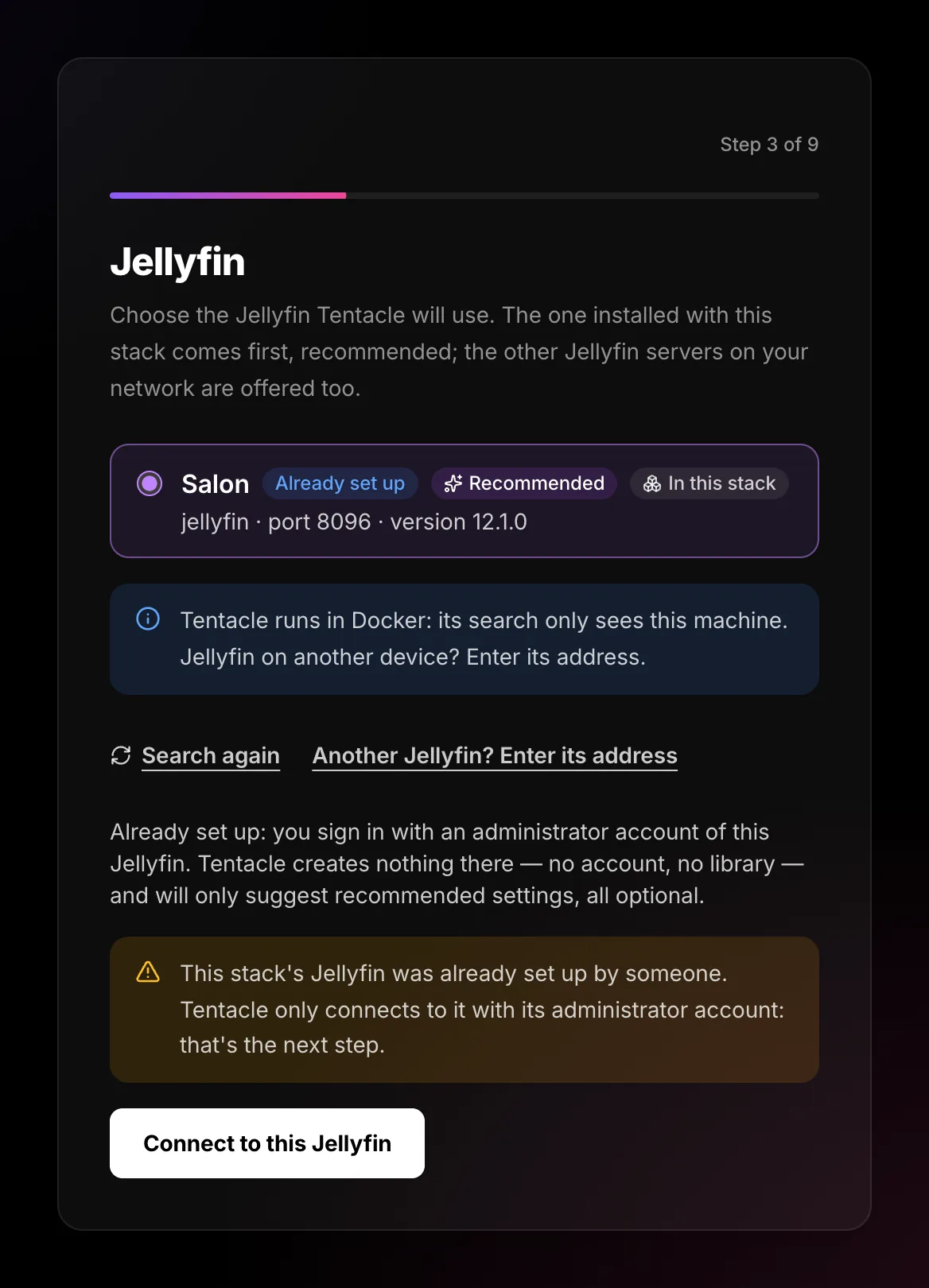
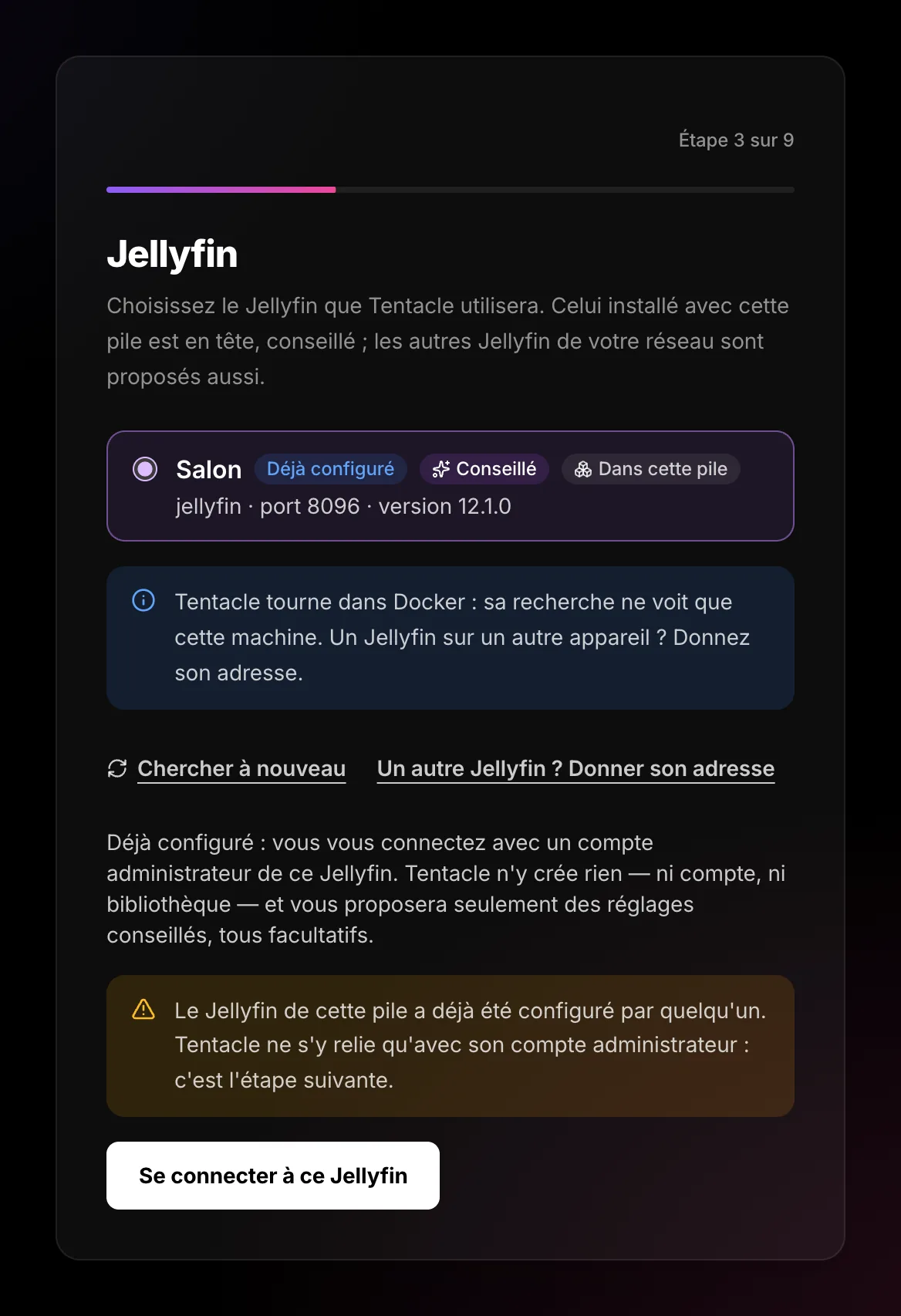
Tentacle looks for every Jellyfin it can reach and shows them in groups. Each line gives its name, address, port and version. Nothing is chosen for you: a “Recommended” badge marks the one Tentacle suggests, and you tick it yourself.Tentacle cherche tous les Jellyfin qu’il peut joindre et les range par groupes. Chaque ligne donne son nom, son adresse, son port et sa version. Rien n’est choisi pour vous : un badge « Conseillé » montre celui que Tentacle propose, et c’est vous qui cochez.
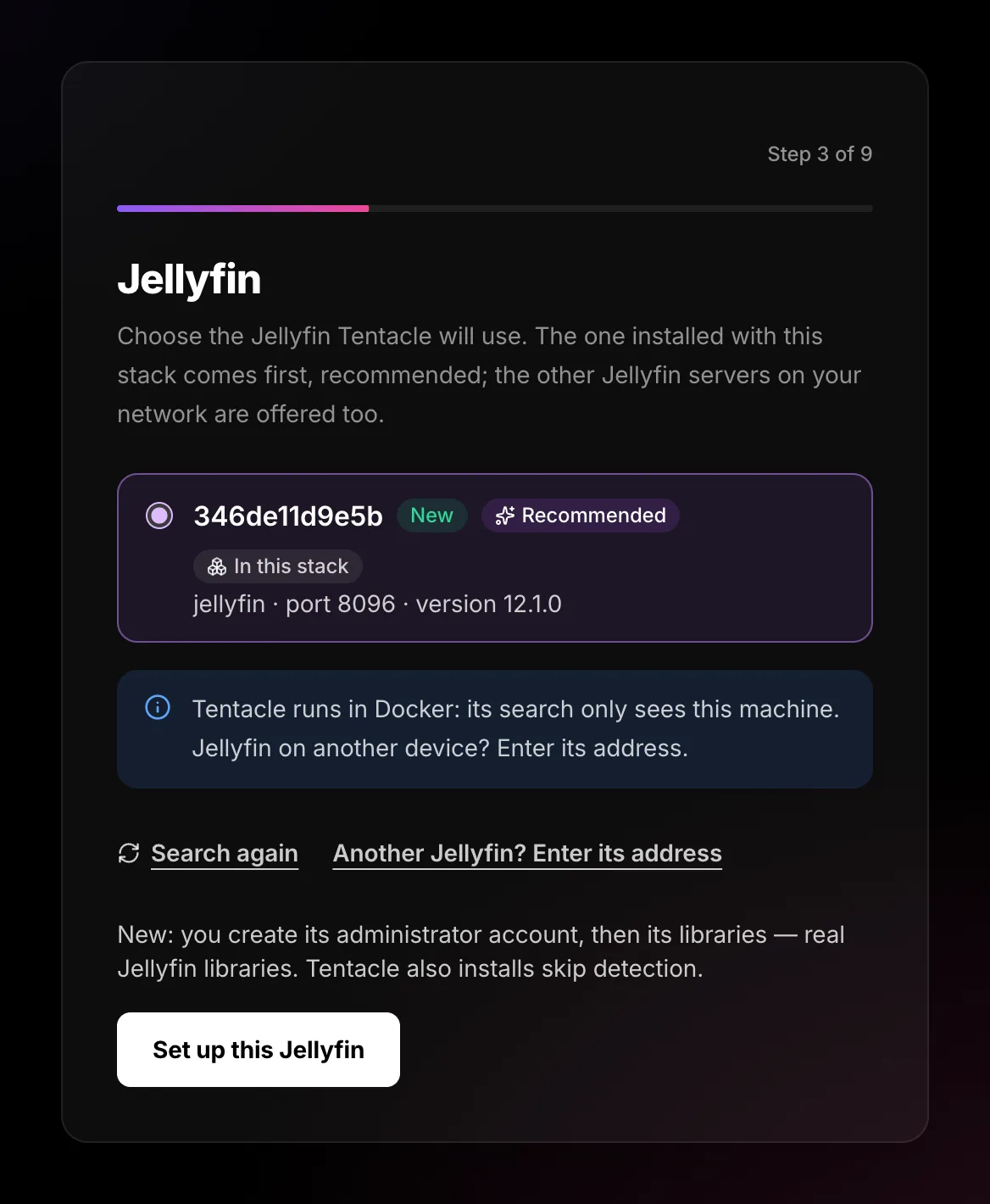
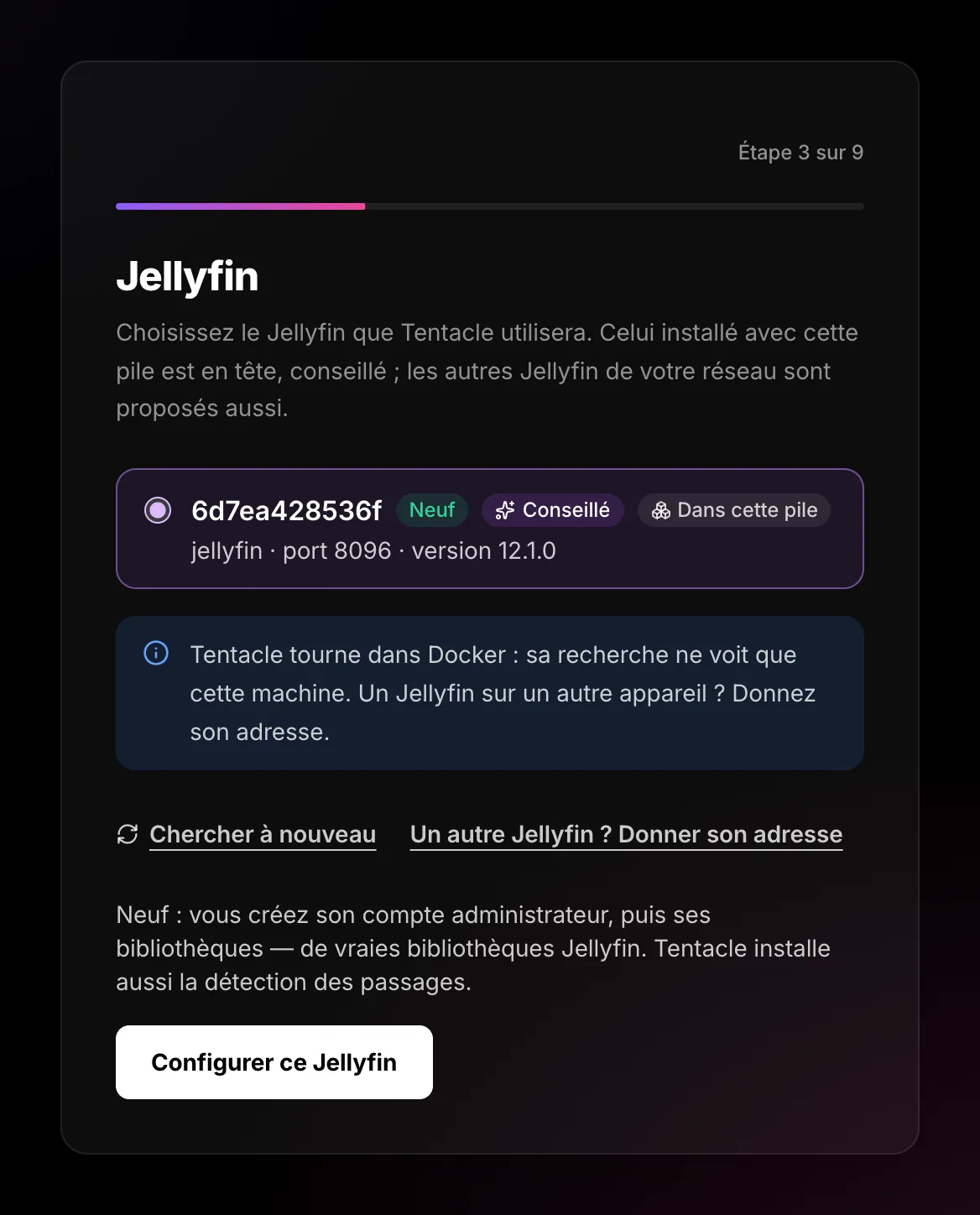
- In this stack: the Jellyfin installed with the Tentacle + Jellyfin stack. Tentacle locked it for you at startup — nobody else can take it.Dans cette pile : le Jellyfin installé avec la pile Tentacle + Jellyfin. Tentacle l’a verrouillé pour vous au démarrage — personne d’autre ne peut le prendre.
- New: never set up. Tentacle will configure it for you.Neuf : jamais configuré. Tentacle va le configurer pour vous.
- Already set up: it has its accounts and maybe its libraries. You will sign in with its administrator account.Déjà configuré : il a ses comptes et peut-être ses bibliothèques. Vous vous connecterez avec son compte administrateur.
- Not supported: too old. Update Jellyfin (10.10 at least; 10.11 and 12 are tested).Non pris en charge : trop ancien. Mettez Jellyfin à jour (10.10 au moins ; 10.11 et 12 sont testés).
New or already set up: the differenceNeuf ou déjà configuré : la différence
Your choice sets the rest of the wizard. The server enforces it: nothing outside the chosen path can happen, whatever the browser does.Votre choix fixe la suite de l’assistant. Le serveur y veille : rien hors du parcours choisi ne peut arriver, quoi que fasse le navigateur.
A new JellyfinUn Jellyfin neuf
- You create its administrator account.Vous créez son compte administrateur.
- You choose its libraries (Movies, Shows…).Vous choisissez ses bibliothèques (Films, Séries…).
- Tentacle installs skip detection.Tentacle installe la détection des passages.
For a fresh start.Pour partir de zéro.
A Jellyfin already set upUn Jellyfin déjà configuré
- You sign in with an existing administrator.Vous vous connectez avec un administrateur existant.
- Tentacle suggests recommended settings, all optional.Tentacle propose des réglages conseillés, tous facultatifs.
- Nothing is created: no account, no library.Rien n’est créé : ni compte, ni bibliothèque.
That Jellyfin server stays as it is.Ce serveur Jellyfin reste tel quel.
The Jellyfin server is not in the listLe serveur Jellyfin n’est pas dans la liste
Inside Docker, Tentacle’s search only sees this machine. A Jellyfin on another device (a NAS, another PC) is given by hand: Another Jellyfin? Enter its address, type it, Check.Dans Docker, la recherche de Tentacle ne voit que cette machine. Un Jellyfin sur un autre appareil (un NAS, un autre PC) se donne à la main : Un autre Jellyfin ? Donner son adresse, tapez-la, Vérifier.
| Where is Jellyfin?Où est Jellyfin ? | Address to typeAdresse à taper |
|---|---|
| On another device of the networkSur un autre appareil du réseau | http://192.168.1.30:8096 |
| On this same machine, outside DockerSur cette même machine, hors de Docker | http://host.docker.internal:8096 |
| Behind your own HTTPS addressDerrière votre propre adresse HTTPS | https://jellyfin.example.com |
Changing your mindChanger d’avis
You can come back to this screen to pick another Jellyfin. What had been prepared for the first one is forgotten (an account already created on a Jellyfin stays on that Jellyfin).Vous pouvez revenir à cet écran pour choisir un autre Jellyfin. Ce qui avait été préparé pour le premier est oublié (un compte déjà créé sur un Jellyfin y reste).
Questions you might haveLes questions qu’on se pose
Which one should I take?Lequel prendre ?
The one marked “Recommended”, unless you already have a Jellyfin with your movies: take that one, and Tentacle will not change anything in it without asking.
Celui marqué « Conseillé », sauf si vous avez déjà un Jellyfin avec vos films : prenez celui-là, et Tentacle n’y changera rien sans vous demander.
“In Docker, localhost means Tentacle itself”« Dans Docker, localhost désigne Tentacle lui-même »
Inside a container, localhost is the container. Type http://host.docker.internal:8096 (Jellyfin on the same machine) or the machine’s address.
Dans un conteneur, localhost est le conteneur. Tapez http://host.docker.internal:8096 (Jellyfin sur la même machine) ou l’adresse de la machine.
“Nobody answers at this address”« Personne ne répond à cette adresse »
Is Jellyfin started? Is the port right (8096 by default)? Open the address in your browser: you should see Jellyfin’s page. A firewall on the Jellyfin machine can block the port.
Jellyfin est-il démarré ? Le port est-il juste (8096 par défaut) ? Ouvrez l’adresse dans votre navigateur : vous devez voir la page de Jellyfin. Un pare-feu sur la machine de Jellyfin peut bloquer le port.
“Something answers, but it is not Jellyfin”« Quelque chose répond, mais ce n’est pas Jellyfin »
Another program uses this port — or the address leads to a login page of your router or NAS. Check the port.
Un autre programme utilise ce port — ou l’adresse mène à une page de connexion de votre box ou de votre NAS. Vérifiez le port.
The stack’s Jellyfin is “already set up”, but I never touched itLe Jellyfin de la pile est « déjà configuré », mais je n’y ai jamais touché
Someone finished Jellyfin’s own setup page before Tentacle (or the stack reuses an old jellyfin-config volume). Sign in with that administrator — or start over with an empty volume.
Quelqu’un a fini la page de configuration propre à Jellyfin avant Tentacle (ou la pile reprend un ancien volume jellyfin-config). Connectez-vous avec cet administrateur — ou repartez d’un volume vide.
I have no Jellyfin at allJe n’ai aucun Jellyfin
With the Tentacle + Jellyfin stack you always have one. With the tentacle-only stack, the wizard shows Jellyfin’s official install command for your system and waits for it to answer. Or switch to the Tentacle + Jellyfin stack.
Avec la pile Tentacle + Jellyfin, vous en avez toujours un. Avec la pile tentacle-only, l’assistant montre la commande officielle d’installation de Jellyfin pour votre système et attend qu’il réponde. Ou passez à la pile Tentacle + Jellyfin.