Your media library,Votre médiathèque,on every screen you own.sur tous vos écrans.
Nine native apps over one server you host. Direct Play first, Dolby Vision and Atmos intact, and a dark interface built for the couch as much as the desk. Free and open source.Neuf applications natives au-dessus d’un serveur que vous hébergez. Lecture directe d’abord, Dolby Vision et Atmos intacts, une interface sombre pensée pour le canapé autant que pour le bureau. Libre et gratuit.
Open source · AGPL-3.0Open source · AGPL-3.09 platforms9 plateformesServerServeurv0.0.0
tentacle.your-home.lan
AppsApplications
Get the appInstallez l’application
Each version below is the one currently live on its store — read from the release manifest, never typed by hand on this page.Chaque version ci-dessous est celle actuellement en ligne sur son store — lue dans le manifeste de publication, jamais recopiée à la main.
Android and Android TV share one Google Play listing; macOS, iOS and Apple TV share one App Store listing.Android et Android TV partagent une seule fiche Google Play ; macOS, iOS et Apple TV partagent une seule fiche App Store.
Linux packages — direct downloadPaquets Linux — téléchargement direct
mpv/libmpv is required for playback: the .deb and .rpm pull it in, the AppImage expects it installed.mpv/libmpv est nécessaire à la lecture : le .deb et le .rpm l’installent, l’AppImage suppose qu’il est déjà là.
The interfaceL’interface
Built for the couch and the deskPensée pour le canapé comme pour le bureau
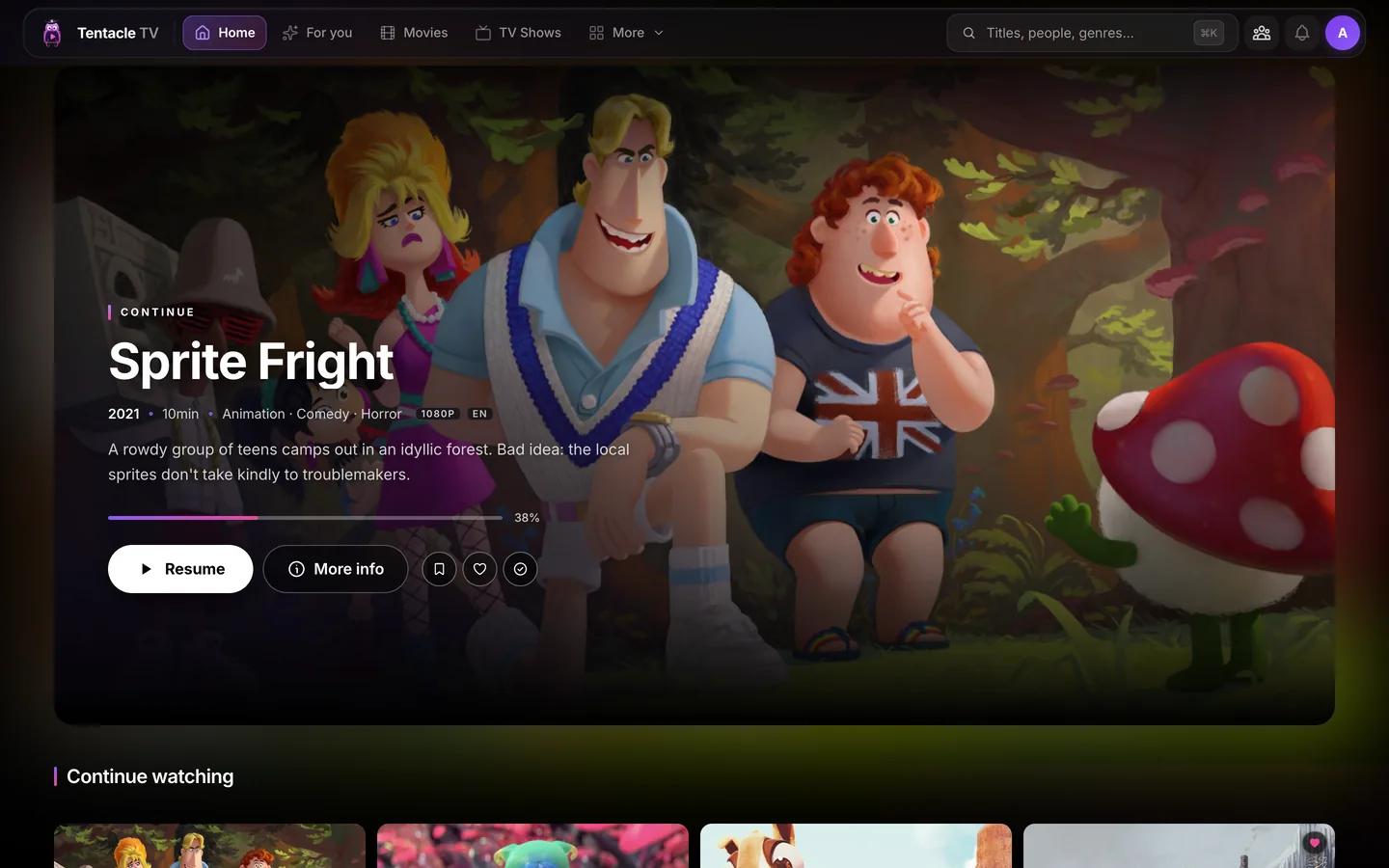
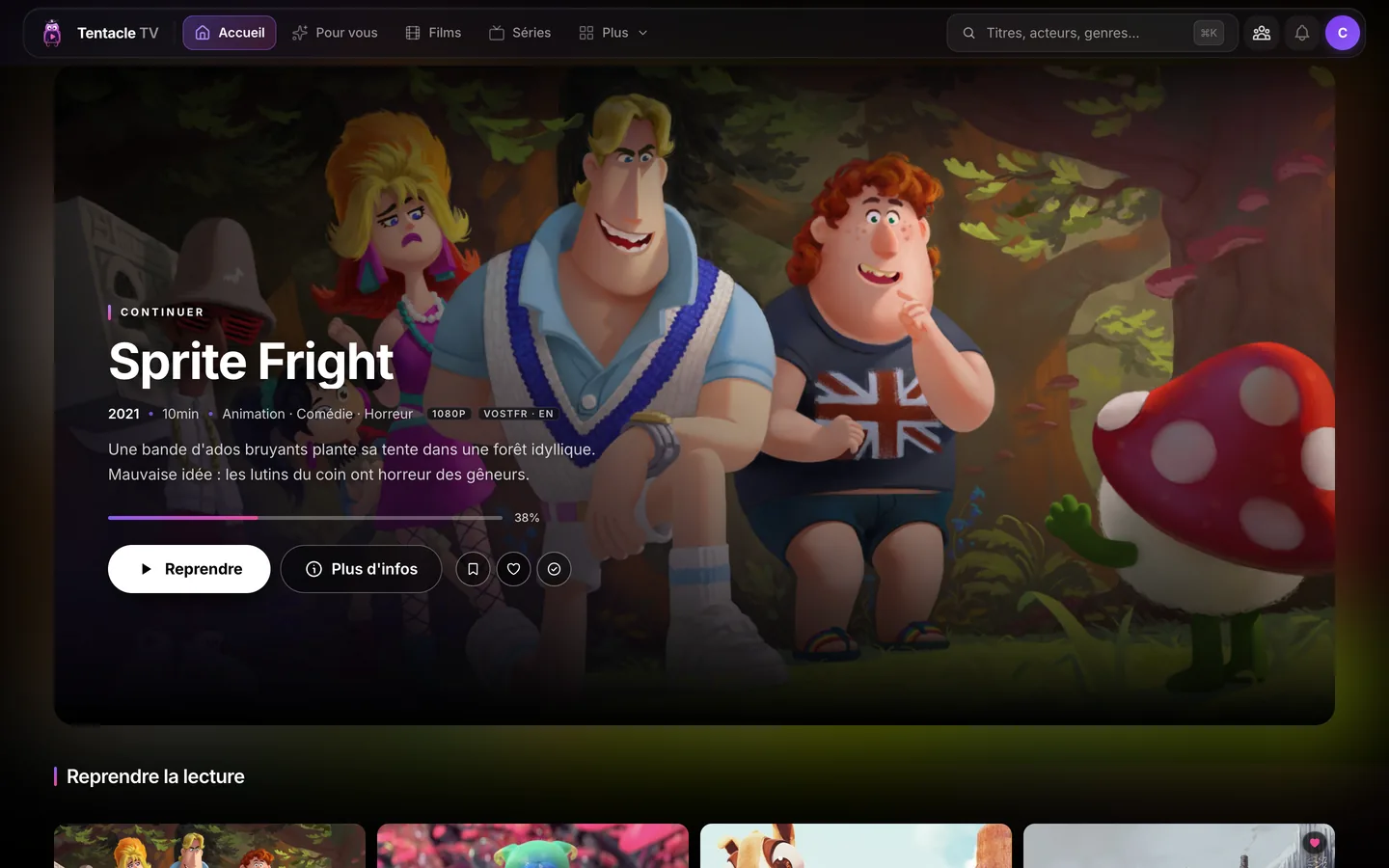
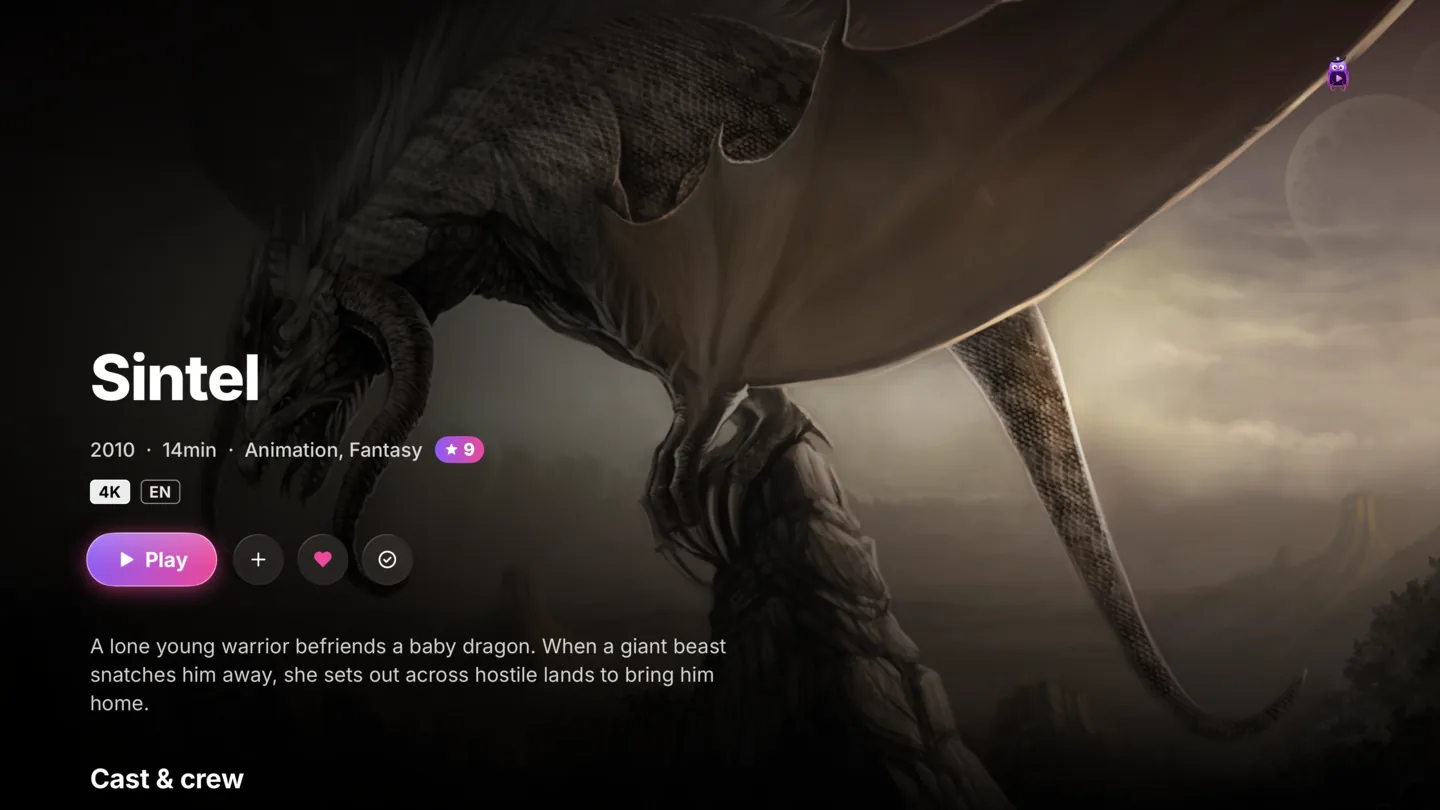
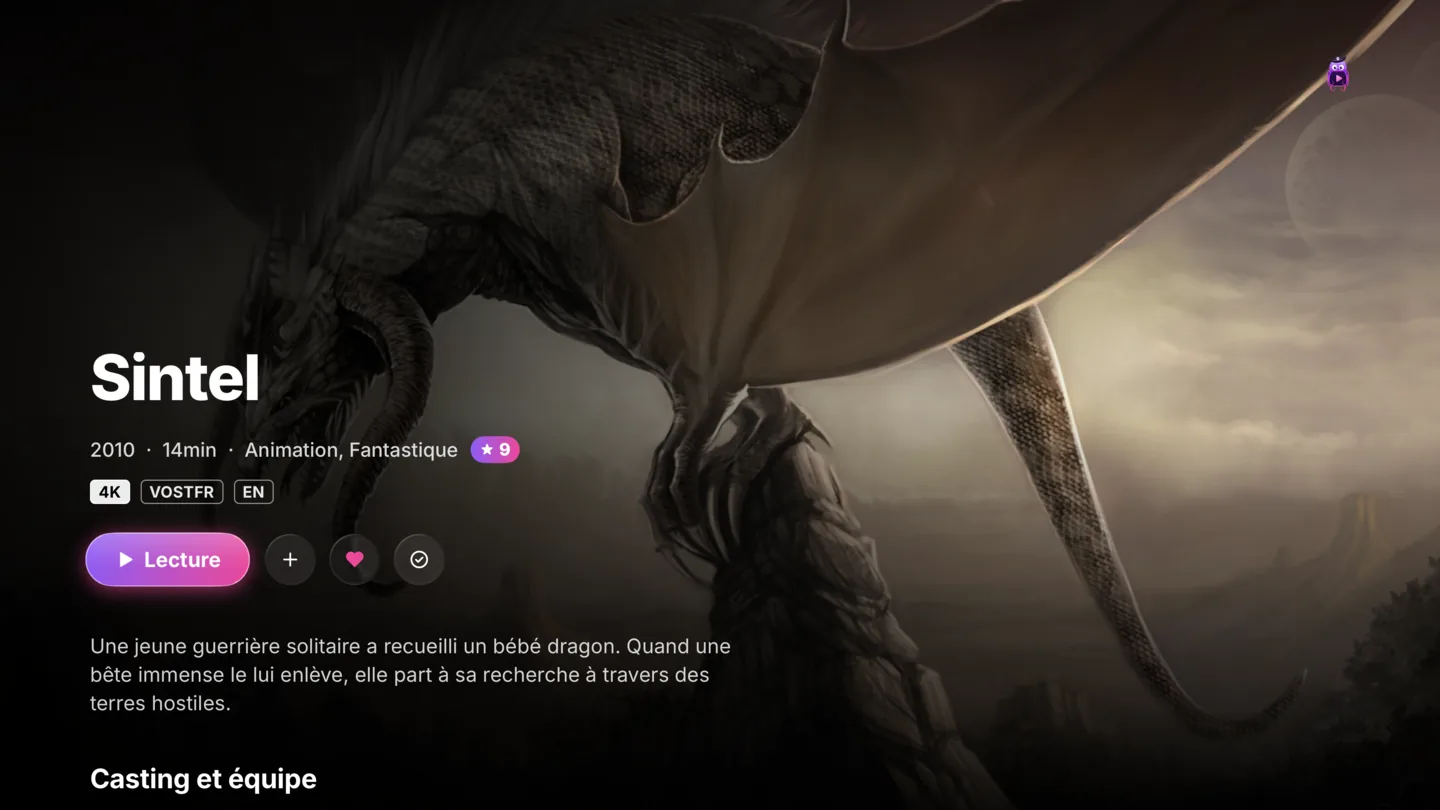
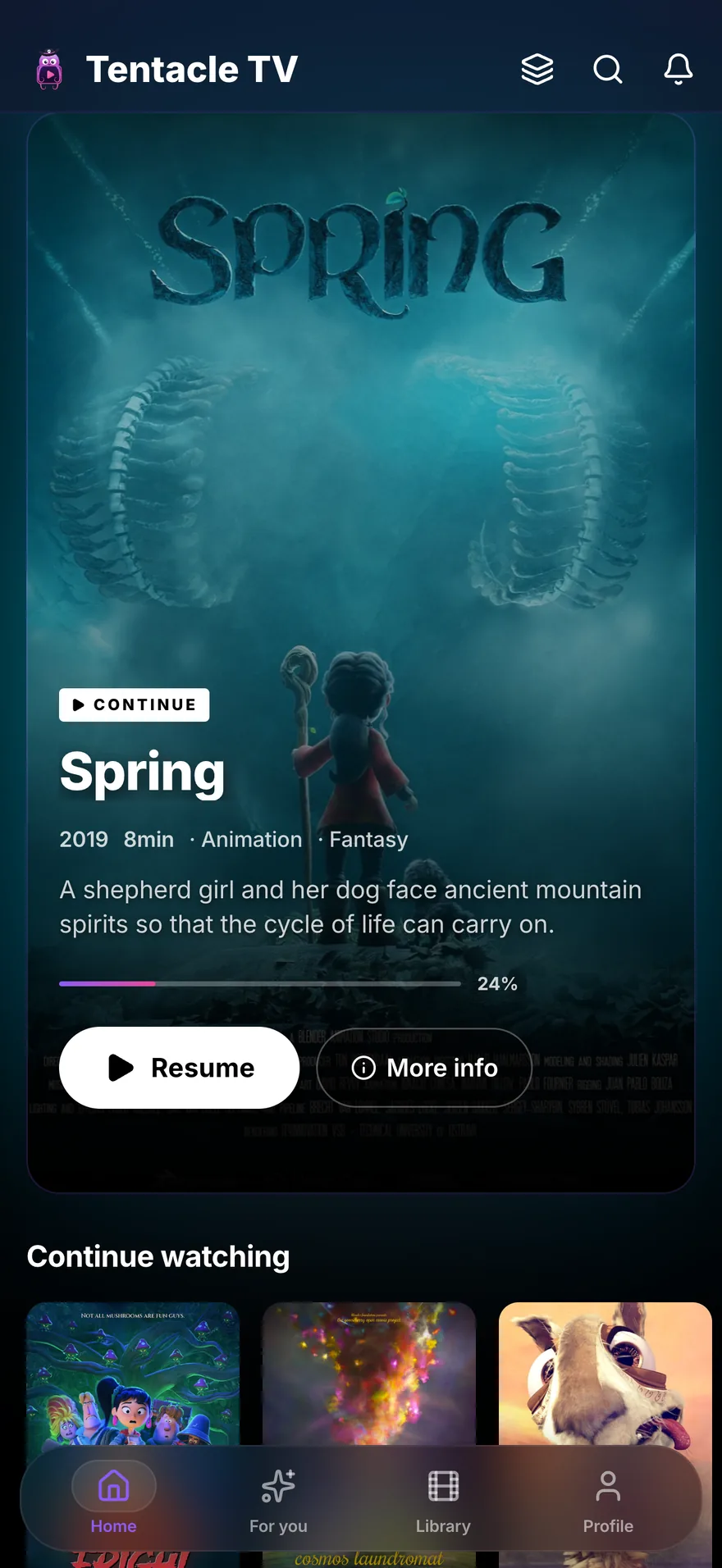
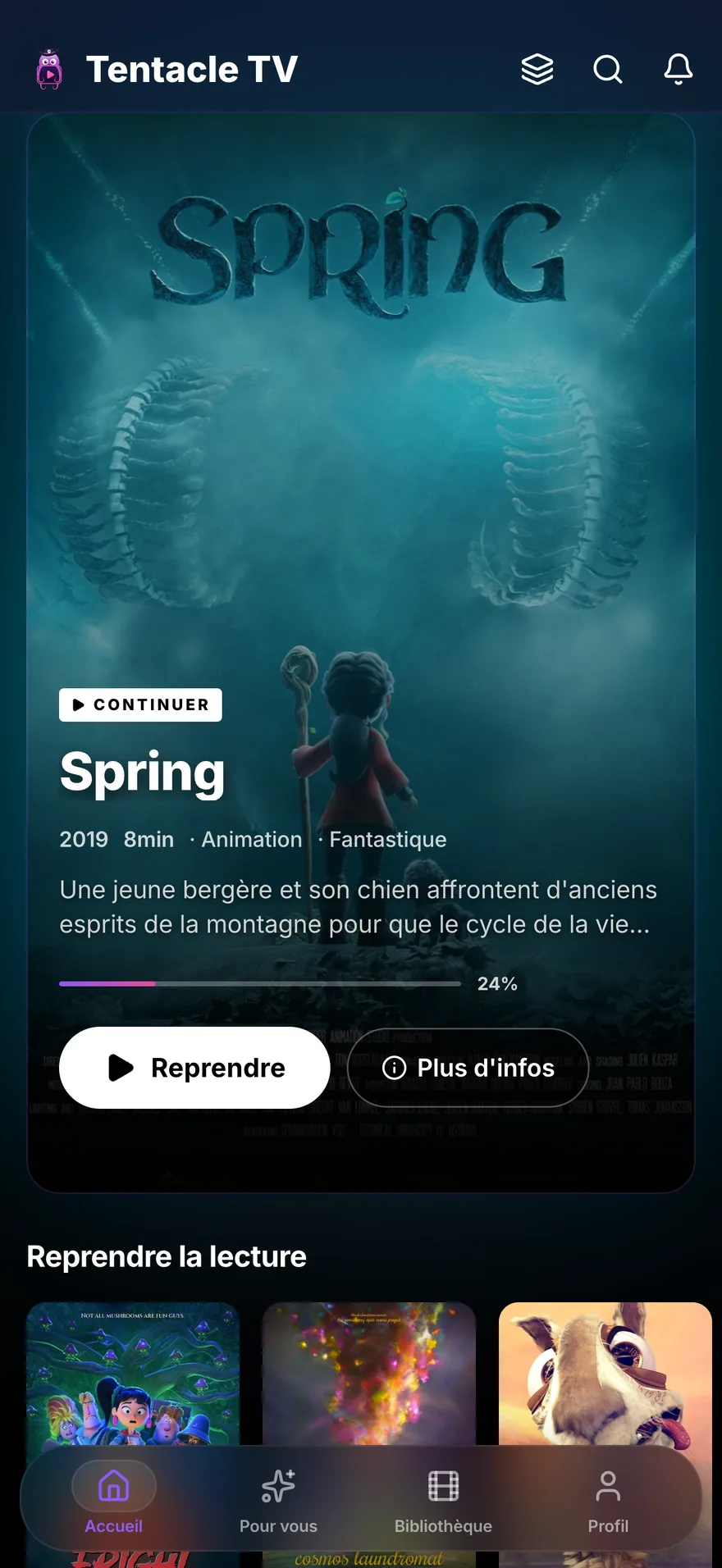
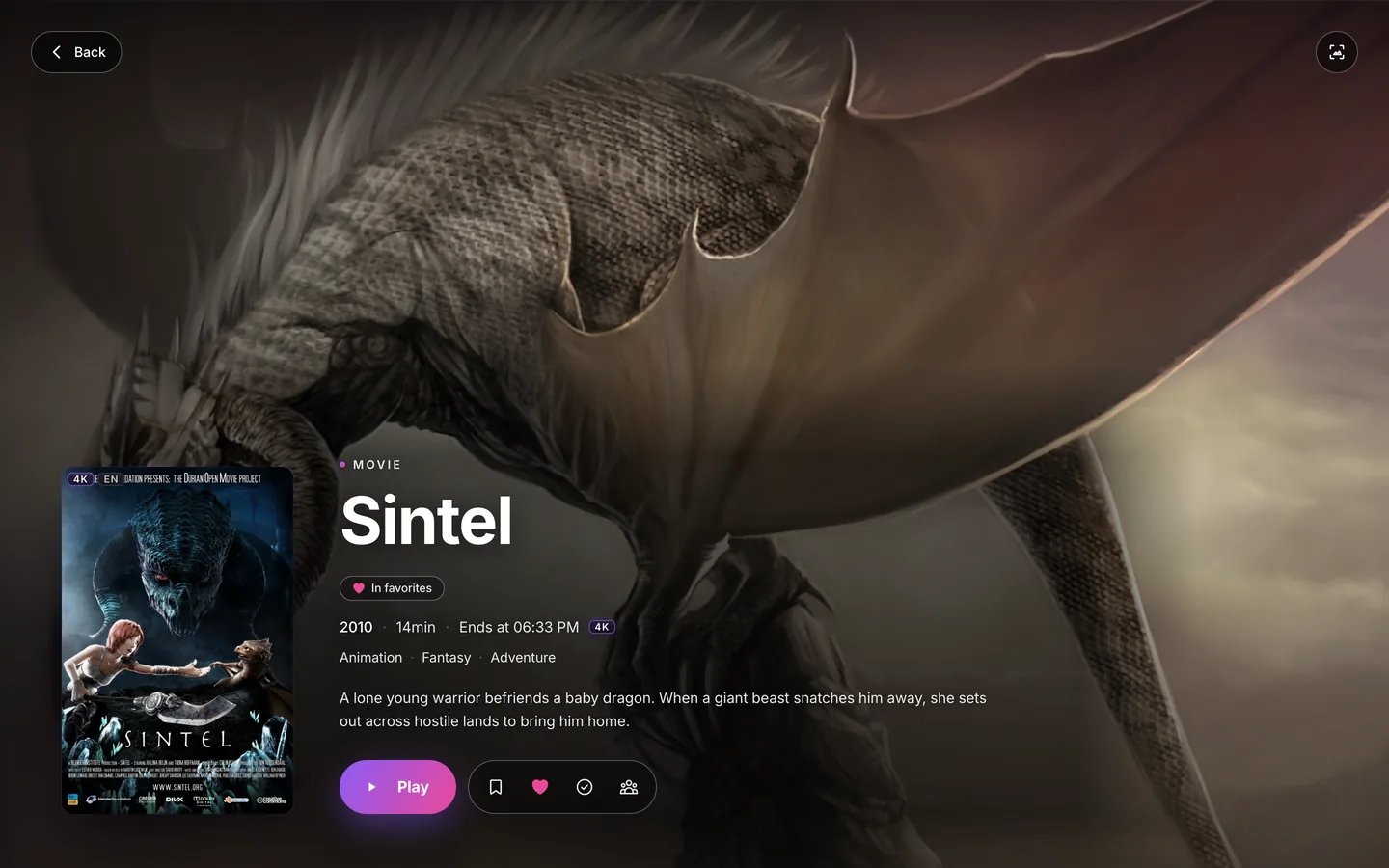
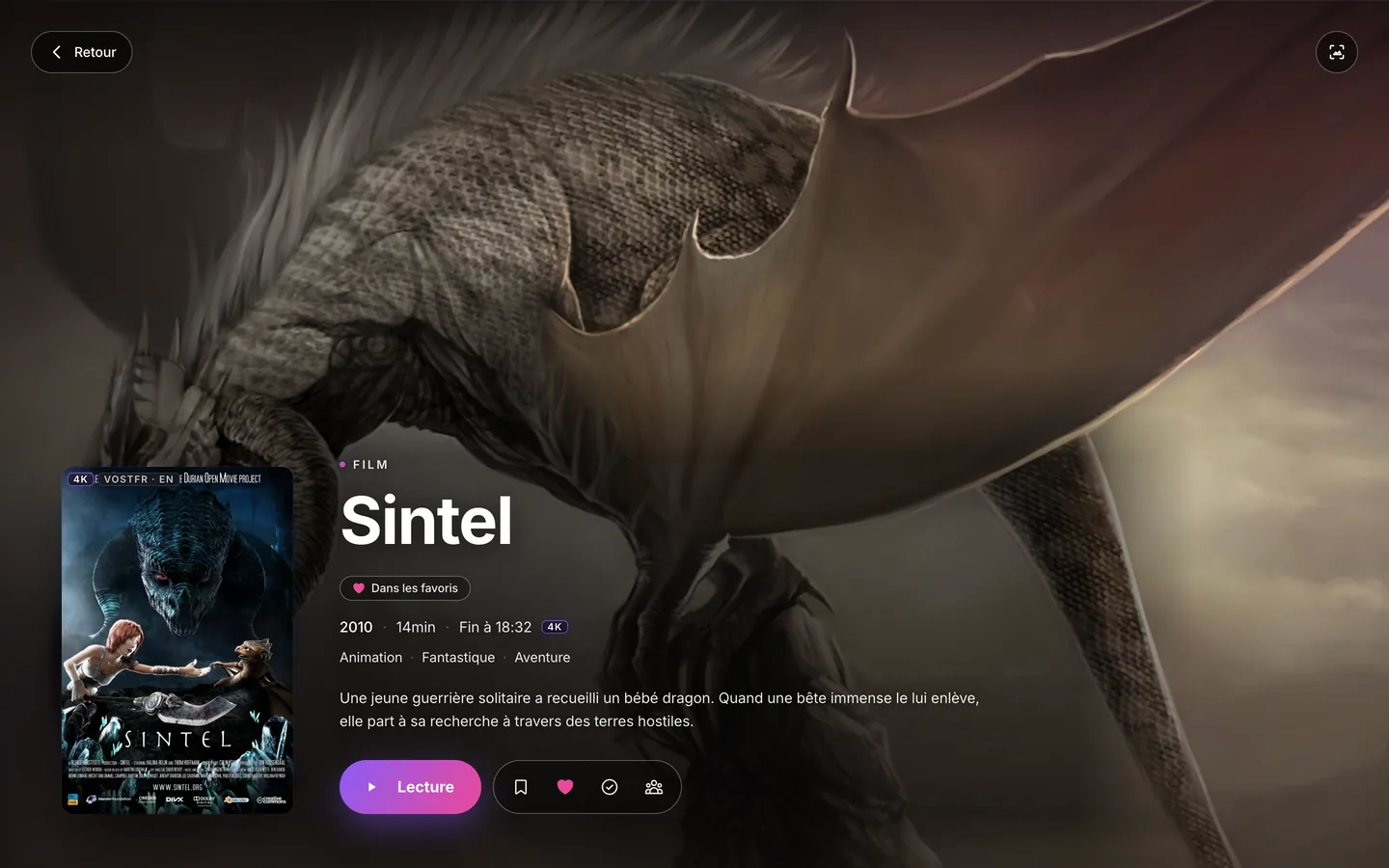
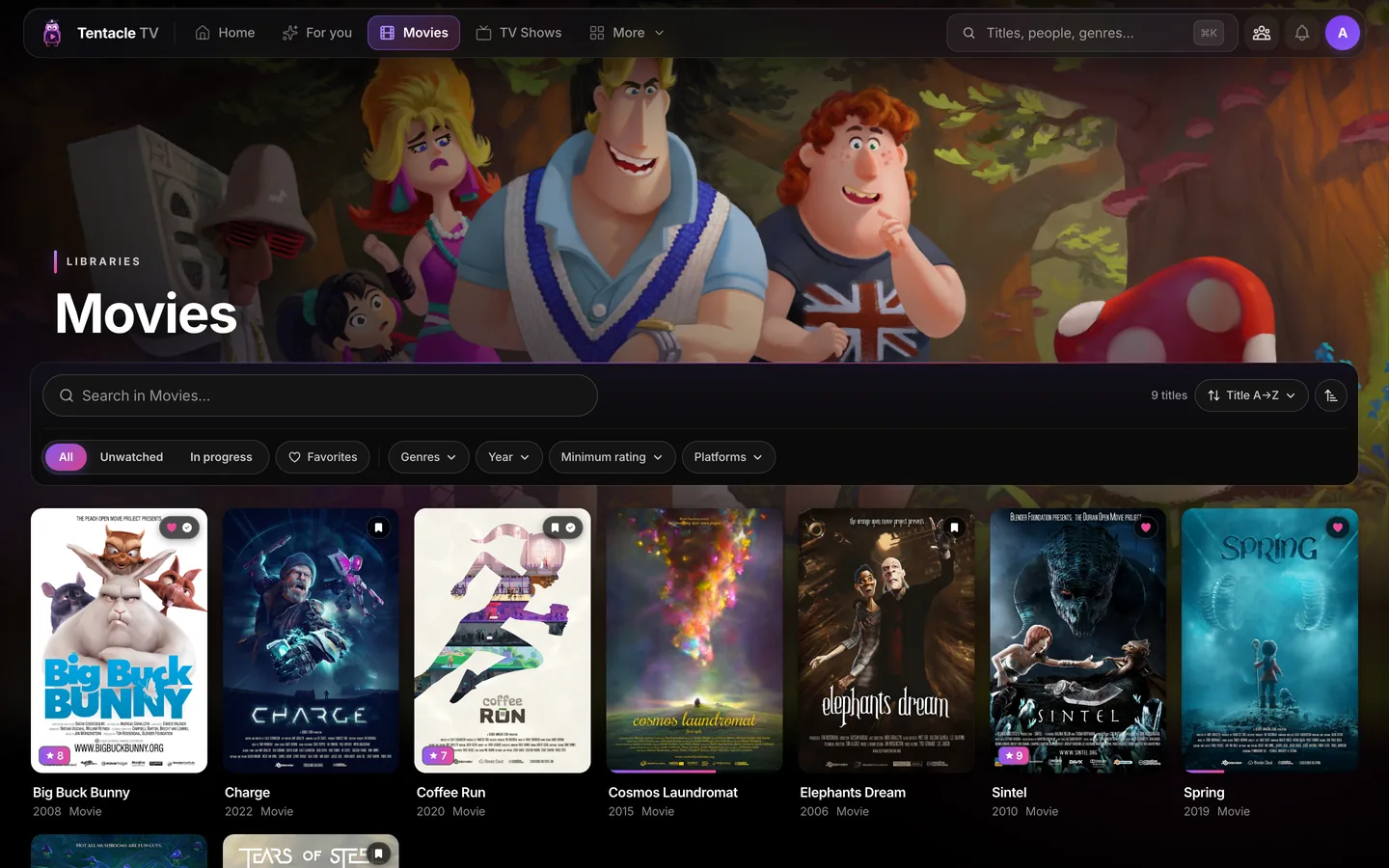
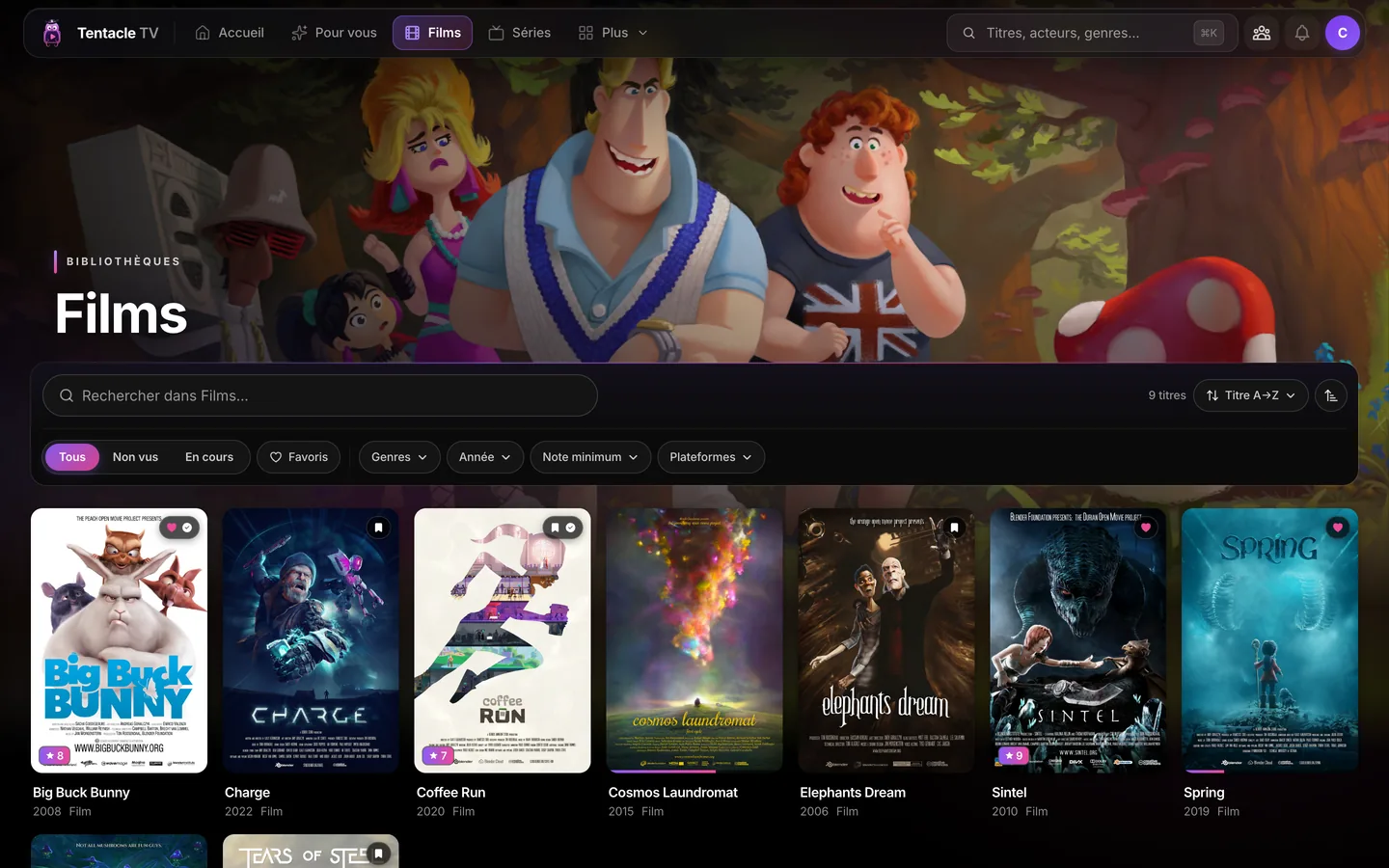
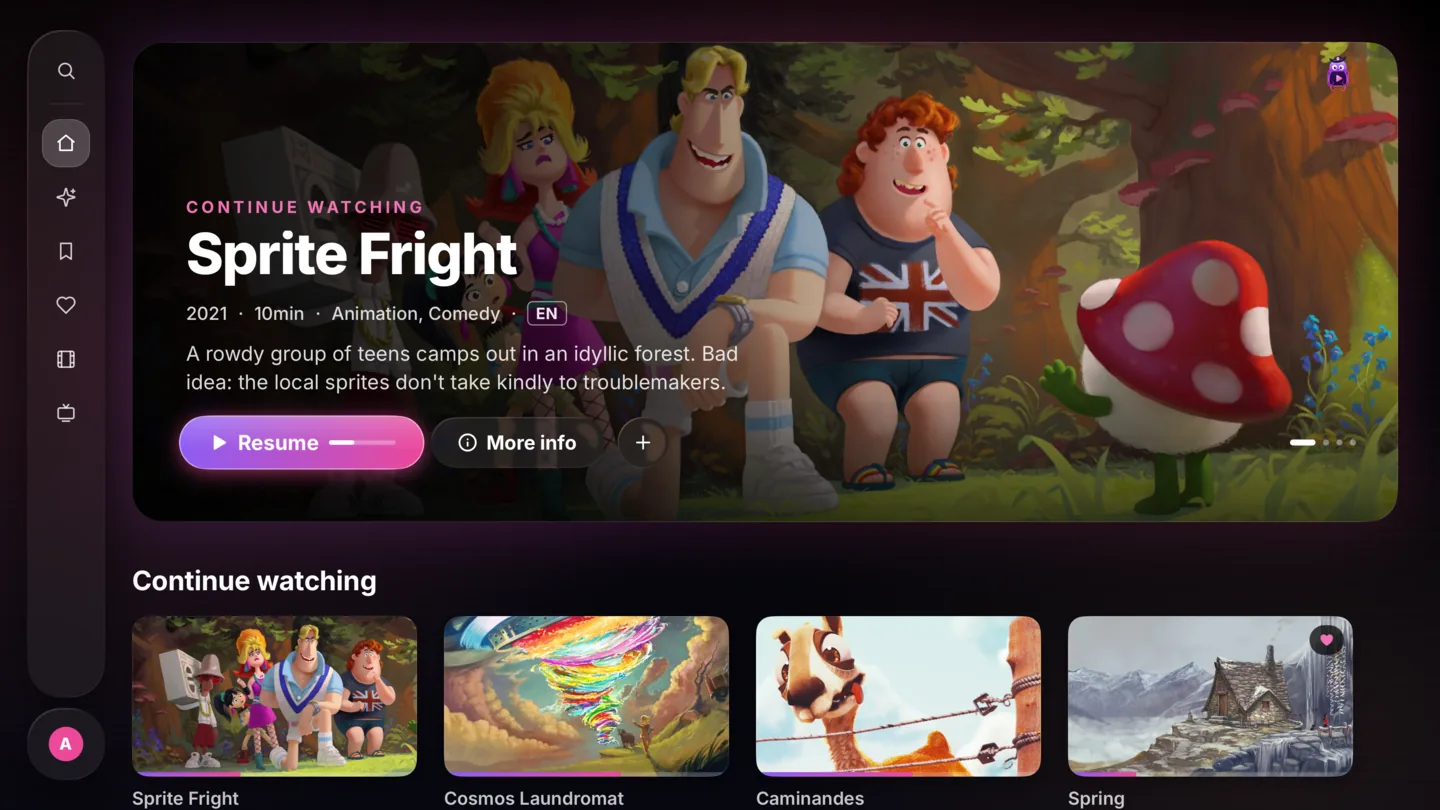
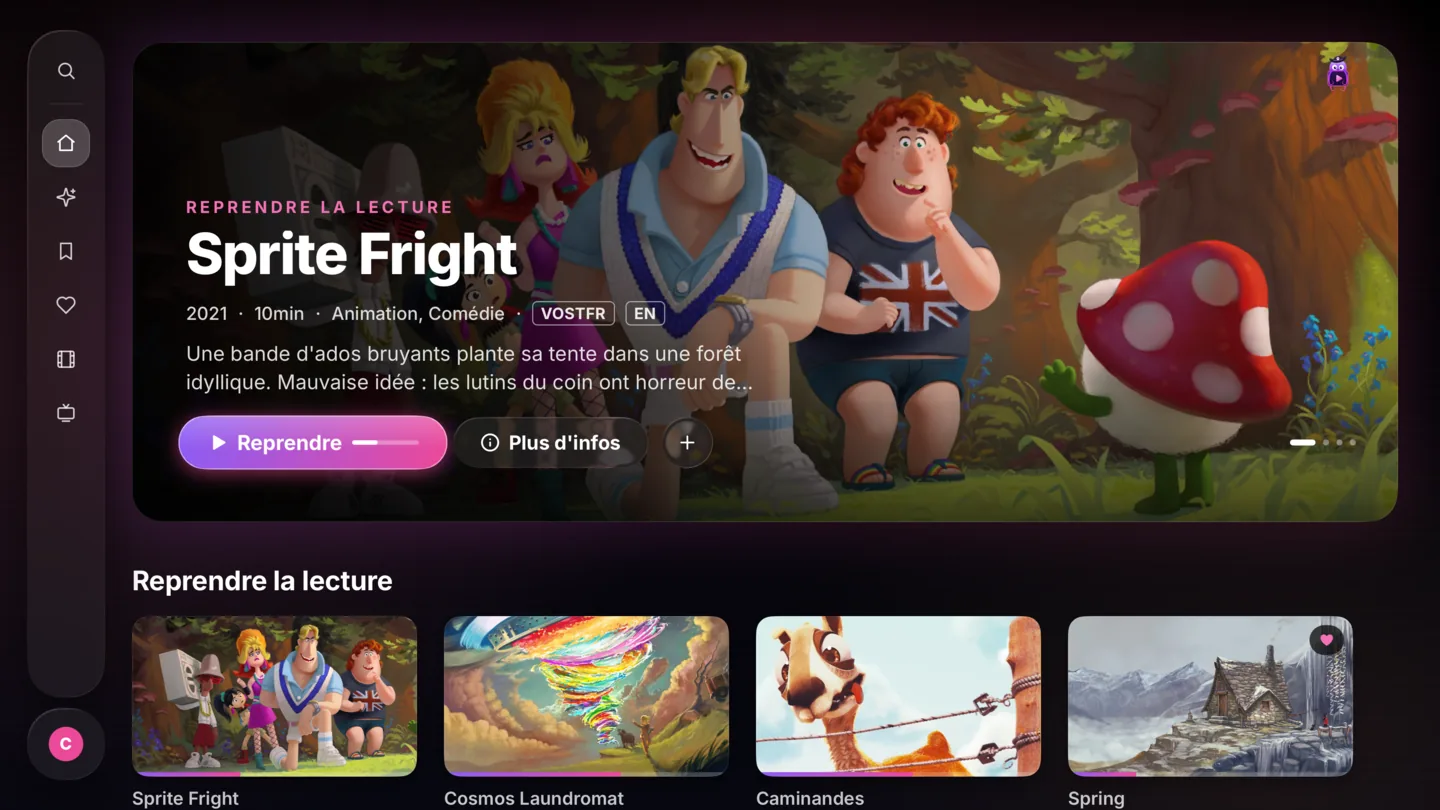
Real screenshots of a demo server — nothing mocked up. The same account, the same library, on every screen.De vraies captures d’un serveur de démonstration — aucune maquette. Le même compte, la même médiathèque, sur chaque écran.
The detail page: synopsis, audio and subtitle languages, favourites, list and your own rating.La fiche : synopsis, langues audio et sous-titres, favoris, liste et votre propre note.
Home: continue watching, new arrivals and picks for you.L’accueil : reprise de lecture, nouveautés et suggestions.
Libraries, sorted and filtered your way.Les bibliothèques, triées et filtrées à votre façon.
On Apple TV: remote-first navigation, the same library, served by your server.Sur Apple TV : une navigation pensée pour la télécommande, la même médiathèque, servie par votre serveur.
The detail page, readable from the couch.La fiche, lisible depuis le canapé.
Three TV platformsTrois plateformes TV
Apple TV and Android TV from their stores, LG webOS through a guided install.Apple TV et Android TV depuis leur store, LG webOS par une installation guidée.
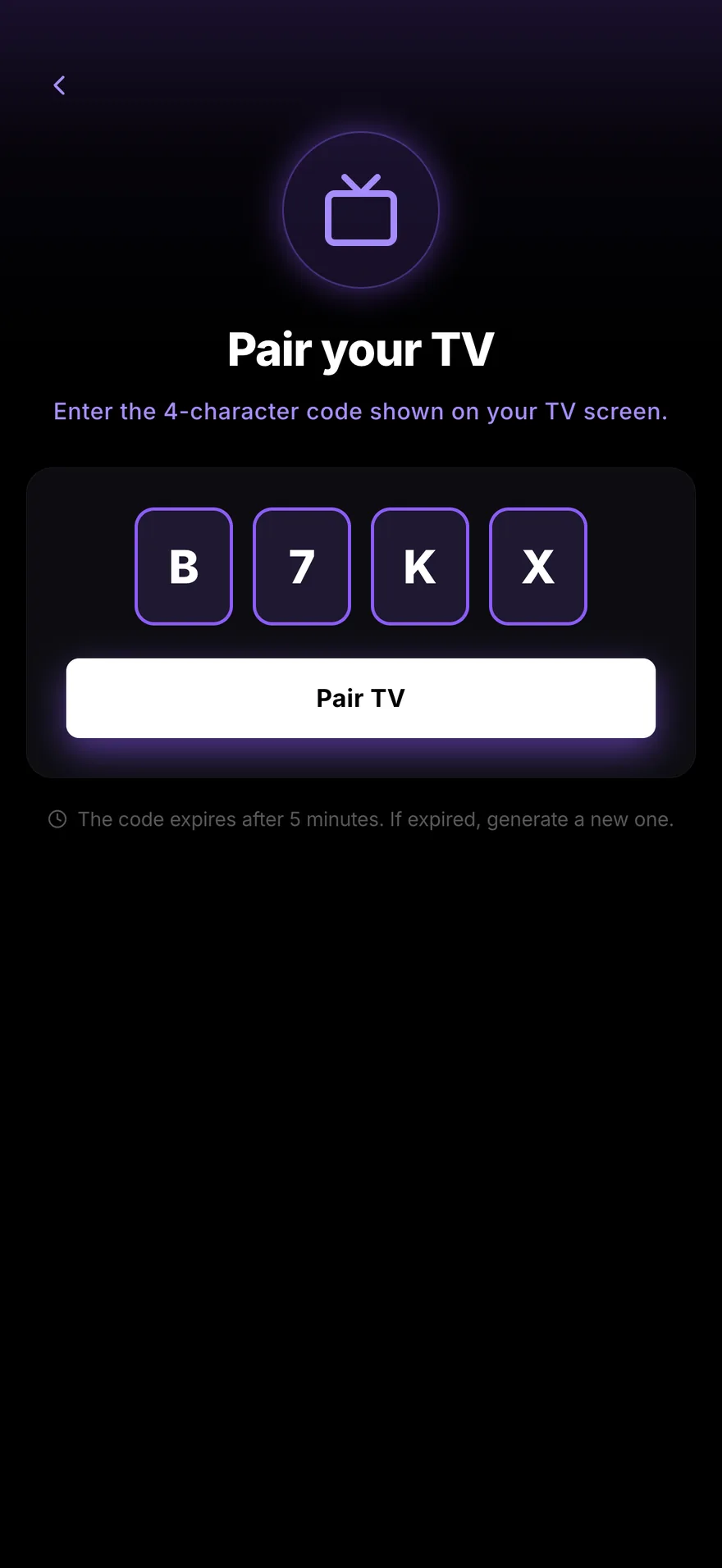
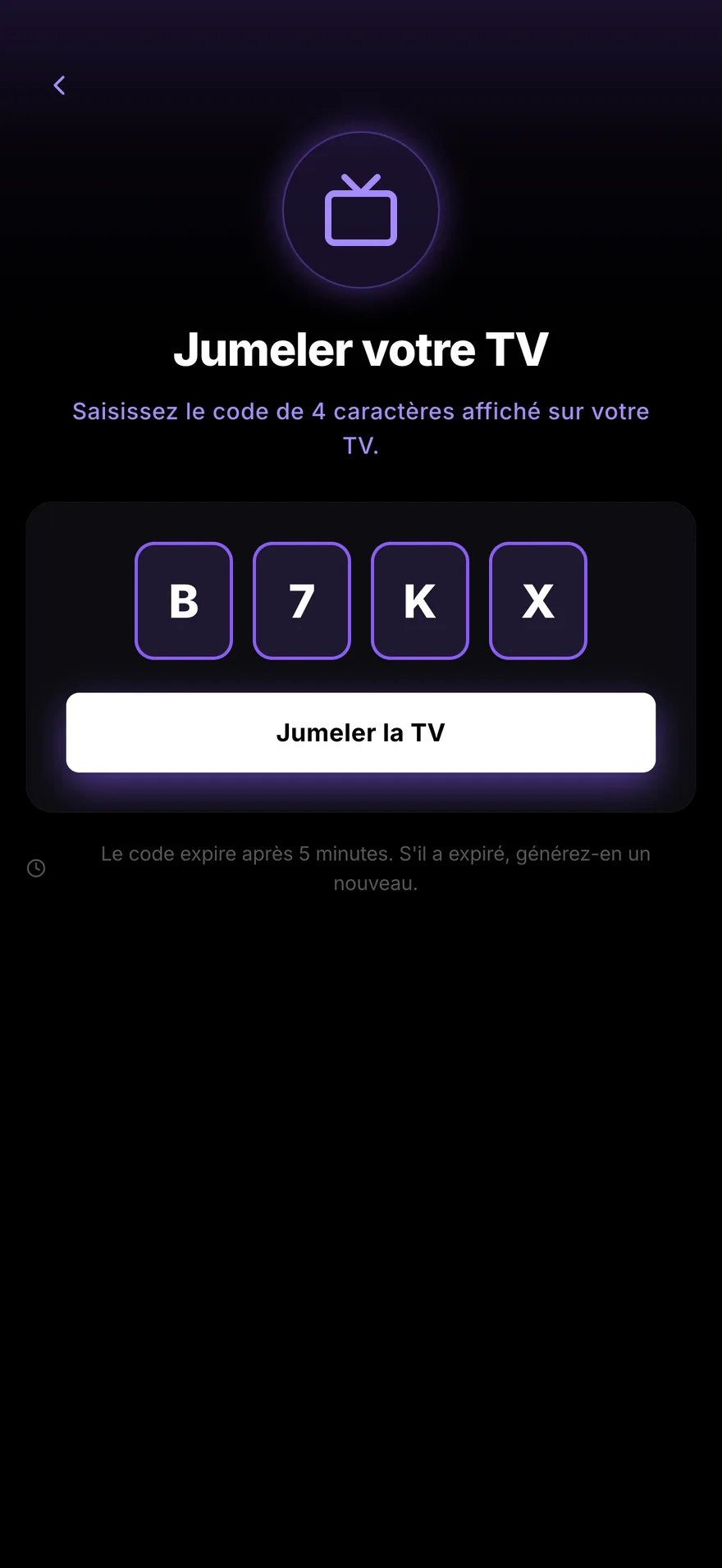
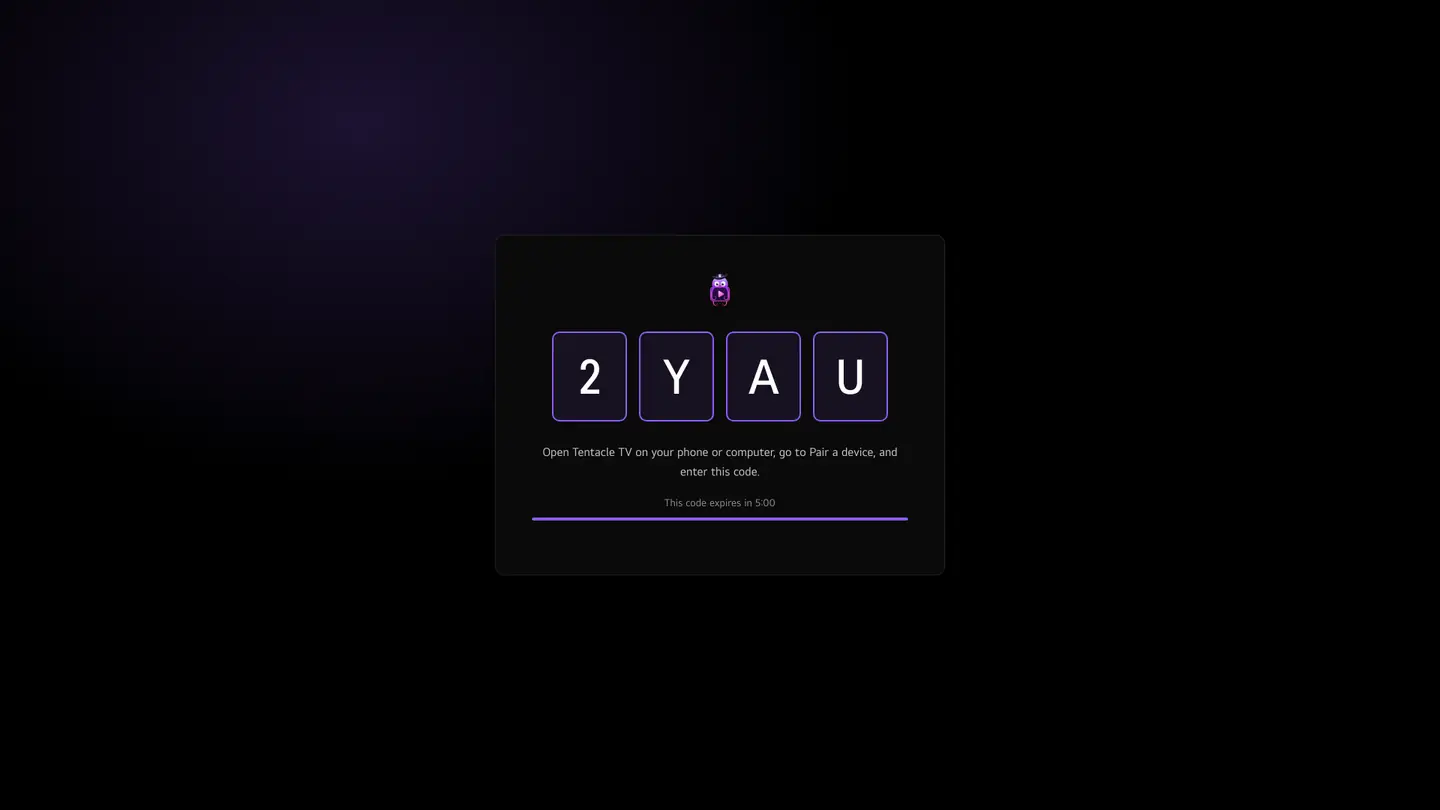
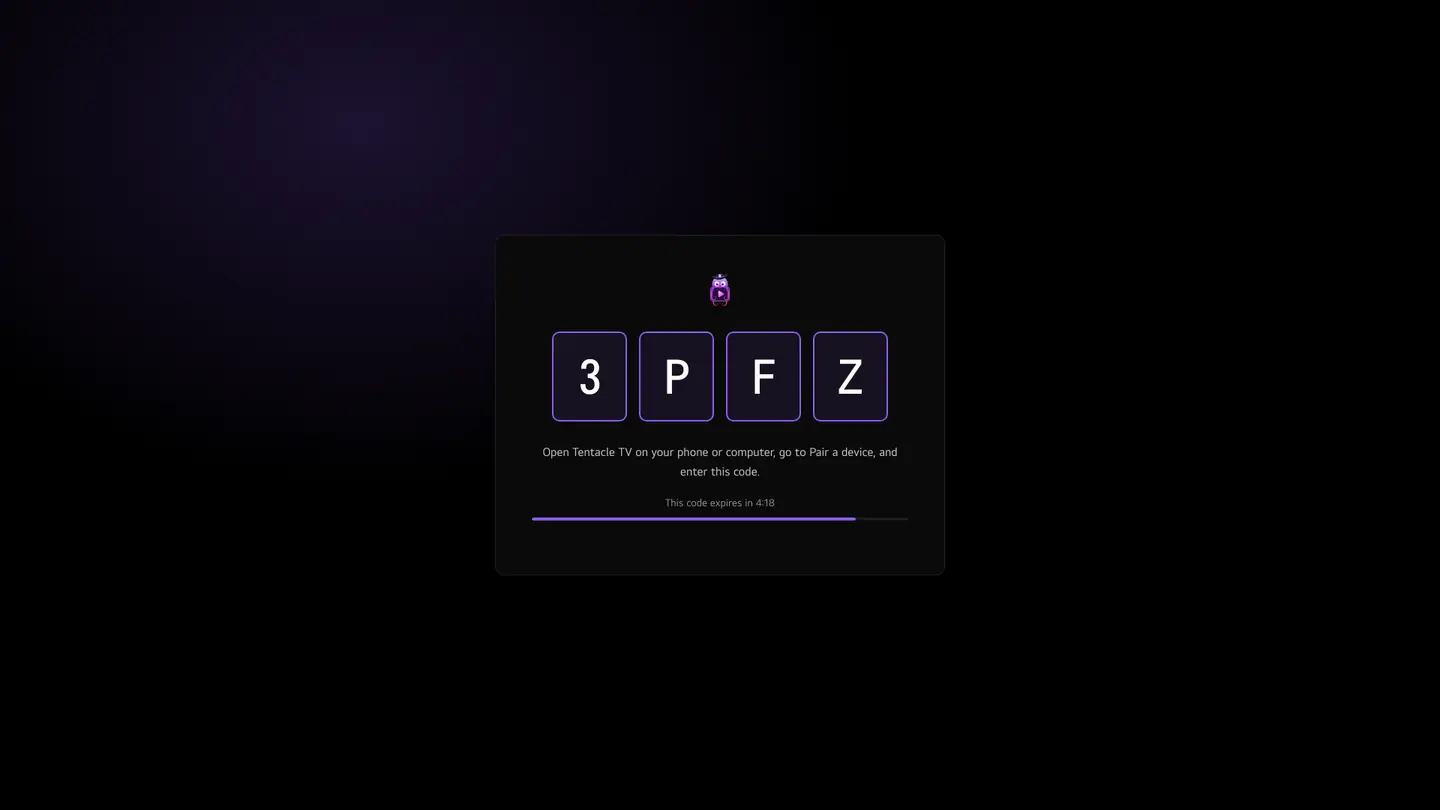
Pair a TV in four charactersJumeler une TV en quatre caractères
PlaybackLecture
Plays your files as they areLit vos fichiers tels quels
Direct Play firstLecture directe d’abord
MKV, HEVC, H.264 and their audio tracks go straight to the decoder. Your server only transcodes when the device genuinely cannot decode.MKV, HEVC, H.264 et leurs pistes audio partent directement au décodeur. Votre serveur ne transcode que si l’appareil ne sait vraiment pas décoder.
HDR10 and Dolby VisionHDR10 et Dolby Vision
The dynamic range of the file reaches the screen instead of being flattened to SDR — through mpv on desktop, through the native player on Apple TV.La plage dynamique du fichier arrive à l’écran au lieu d’être ramenée en SDR — par mpv sur ordinateur, par le lecteur natif sur Apple TV.
Audio tracks and subtitlesPistes audio et sous-titres
Switch language mid-playback, keep a preferred audio and subtitle language per library, and read ASS/SRT subtitles with their styling.Changez de langue en cours de lecture, gardez une langue audio et de sous-titres par bibliothèque, et lisez les ASS/SRT avec leur mise en forme.
FeaturesFonctionnalités
Everything around the playerTout ce qu’il y a autour du lecteur
Watch Together
Create a group, invite other people from your server, and whatever you start plays for everyone, in sync.Créez un groupe, invitez d’autres personnes de votre serveur : tout ce que vous lancez se lit chez chacun, parfaitement synchronisé.
Downloads and offlineTéléchargements et hors ligne
Save a film, an episode or a whole season to the device. Offline mode switches over on its own when the server stops answering, and syncs your position back when it returns.Enregistrez un film, un épisode ou une saison entière sur l’appareil. Le mode hors ligne bascule tout seul quand le serveur ne répond plus, et resynchronise votre position au retour.
AdministrationAdministration
Setup wizard, invites, support tickets, live sessions, and TV pairing with a four-character code.Assistant d’installation, invitations, tickets de support, sessions en direct et jumelage TV par un code à quatre caractères.
PluginsGreffons
A built-in marketplace with one-click install, several registries and SHA-256 verification.Une place de marché intégrée, installation en un clic, plusieurs registres et vérification SHA-256.
UpdatesMises à jour
Store apps update themselves; the LG TV interface is served by your server, so updating the server updates the TV.Les apps des stores se mettent à jour seules ; l’interface TV LG est servie par votre serveur : le mettre à jour met à jour la TV.
Self-hostedAuto-hébergé
Bring your own serverVotre serveur, chez vous
Installed in a few minutes, remote access guided. The apps talk to a Tentacle TV server you host, which works with Jellyfin — you own the whole chain.Installé en quelques minutes, accès à distance guidé. Les applications parlent à un serveur Tentacle TV que vous hébergez, qui fonctionne avec Jellyfin : toute la chaîne vous appartient.
Two ready-to-copy Docker stacks — with Jellyfin or without. No password to write, no database to install.Deux piles Docker prêtes à copier — avec Jellyfin ou sans. Aucun mot de passe à écrire, aucune base à installer.
On a Windows PC, no Docker at all: the Tentacle Server app from the Microsoft Store.Sur un PC Windows, sans Docker du tout : l’app Tentacle Server du Microsoft Store.
A guided wizard: Jellyfin configured, libraries created, remote access tested from the outside.Un assistant guidé : Jellyfin configuré, bibliothèques créées, accès à distance testé depuis l’extérieur.
Accounts, invites, plugins and pairing stay on your server; your media stays in Jellyfin.Comptes, invitations, greffons et jumelage restent sur votre serveur ; vos médias restent dans Jellyfin.
No store listing yet — but a guided install, screenshots included, from your LG developer account all the way to pairing.Pas encore sur le LG Content Store — mais une installation guidée, captures à l’appui, du compte développeur LG jusqu’au jumelage.
Create a free LG developer accountCréer un compte développeur LG gratuit
Turn on Developer Mode on the TVActiver le mode développeur sur la TV
Run the installer on your computerLancer l’installateur sur l’ordinateur
Pair the TV with a four-character codeJumeler la TV avec un code à quatre caractères
Free, open source, no ads. Ever.Libre, gratuit, sans publicité. Pour de bon.
Tentacle TV is an independent project, built in the open. No subscription, no tracking, nothing locked behind a paywall. If it has earned a place on your screens, a coffee helps keep it going.Tentacle TV est un projet indépendant, développé en open source. Pas d’abonnement, pas de pistage, rien derrière un mur payant. S’il a trouvé sa place sur vos écrans, un café aide à le faire vivre.
Store fees for the App Store and Google PlayLes frais des boutiques Apple et Google
Real devices to test every release onLes appareils sur lesquels chaque version est testée
The site and the services the apps rely onLe site et les services dont les applications ont besoin
One-off or monthly, any amount — always optional. Every app stays free either way.Ponctuel ou mensuel, du montant que vous voulez — toujours facultatif. Les applications restent gratuites dans tous les cas.